20 TikTok LIVE Tips for Beginners
Simple habits that make your first streams feel less awkward and give new viewers a reason to stay.
Your first few LIVE streams can feel strange. You are talking to a screen, the viewer count is small, and every quiet second feels like a minute. That is normal, and it gets easier with practice.
These tips focus on habits rather than tricks. They work whether you stream gaming, music, talk, cooking or anything else.
1. Decide what the stream is about before you start
"Just chatting" is fine once people know you. When they don't, a clear purpose gives new viewers a reason to stay. Pick one idea, such as answering questions about a topic, a challenge, a build, or a playlist, and put it in your title.
2. Write a title that tells people what is happening
Your title and cover show up before anyone hears your voice. Describe the activity in plain words. Specific titles also help TikTok understand what your stream is about.
3. Check your setup in the preview
Look at your lighting, framing and sound before you tap Go LIVE. Fixing a crooked phone or a noisy fan in the preview is much better than fixing it on air. Our TikTok LIVE setup guide covers the basics.
4. Greet people by name
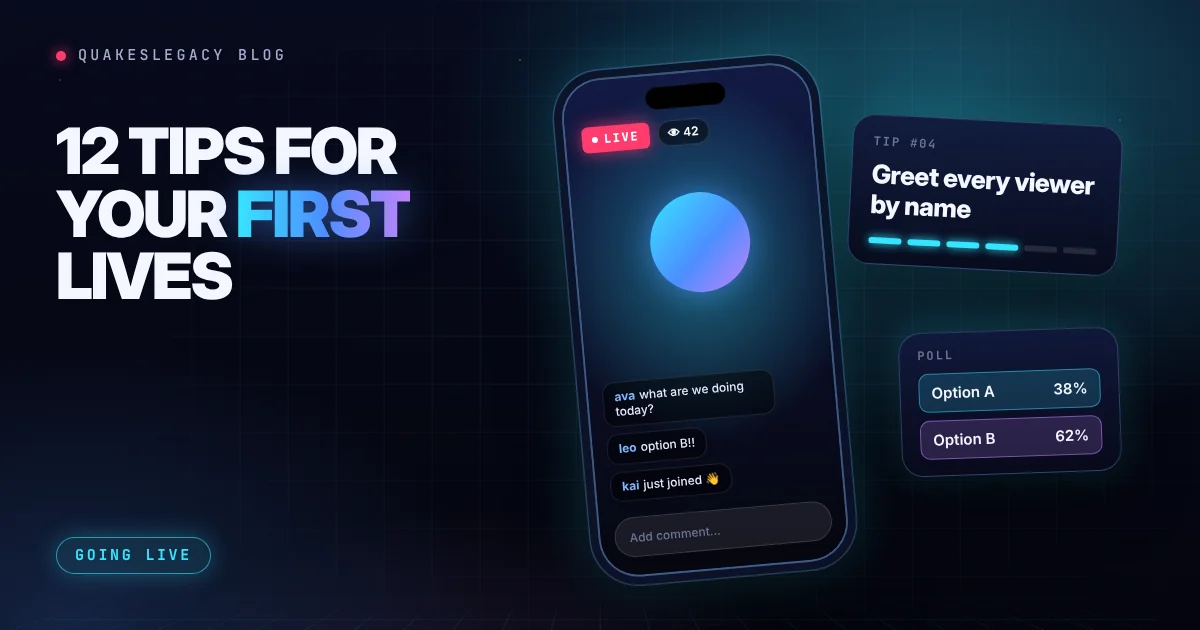
Saying a viewer's name when they arrive is the simplest way to make them feel noticed. It also shows other viewers that the chat matters on your stream.
5. Re-introduce the stream regularly
People join at different times. Every so often, repeat who you are and what you are doing, in one or two sentences. New arrivals should never have to guess.
6. Ask questions that are easy to answer
"What do you think?" is hard to answer. "Pick one: A or B?" is easy. Low-effort questions get the chat moving, and a moving chat attracts more viewers.
7. Plan for quiet moments
Every stream has quiet stretches. Have a short list of things to do or talk about when they happen: a story, a mini challenge, a question for chat, or the next part of whatever you are making. Silence is what makes viewers leave.
8. Thank Gifts in a genuine way
When someone sends a Gift, thank them by name and react like a person, not a script. Avoid pressuring others to gift or comparing supporters with each other. TikTok's rules restrict manipulative gift requests, and pressure tends to push viewers away anyway.
9. Add a moderator early
A trusted moderator can handle spam, mute people who are being rude, and keep an eye on chat while you focus on your content. Turn on keyword filters as well, so the worst comments never appear.
10. Keep your energy steady, not loud
You don't need to shout to be engaging. What keeps people watching is consistency: a steady pace, clear reactions, and a sense that something is always happening.
11. Stream at the same times each week
Regular viewers need to know when to find you. A predictable schedule, even if it is only two or three streams a week, builds habits on both sides. Read more in our guide on how to grow on TikTok LIVE.
12. End with a reason to come back
Don't just stop. Thank everyone, say when your next LIVE is, and tease what you will do. Then check the post-LIVE summary to see when viewers joined and left.
13. Light your face from the front
Good lighting is the cheapest way to look professional. Face a window or put a ring light or lamp in front of you, and keep bright lights out from behind you. Our lighting setup guide explains how.
14. Make sure people can hear you
Viewers leave a stream they can't hear faster than one that looks blurry. Get close to your mic, turn off fans and cut echo with soft furnishings. See our audio setup guide.
15. Tidy what is behind you
Your background is the first thing a scrolling viewer sees. Clear the mess, add a little light or colour, and check nothing private is in shot. Our background ideas have plenty of inspiration.
16. Try a simple format, like a Q&A
A format gives your stream a shape. A Q&A is the easiest one to start with, because everyone knows how to take part. Here is how to run a Q&A on TikTok LIVE.
17. Use LIVE features
Features give viewers something to do. Set a LIVE Goal, try a LIVE battle with another creator, or invite a guest. Each one adds a bit of energy and a reason to stay.
18. Promote your LIVE before it starts
Post a short video saying when you'll be LIVE and what you'll do, or schedule a LIVE Event so followers get a reminder. People can't join a stream they don't know about.
19. Learn the rules once
Most LIVE restrictions come from a short list of avoidable mistakes, like copyrighted music, a minor on camera or pressuring people for Gifts. Spend ten minutes with our guide to TikTok LIVE guidelines so you never lose LIVE access by accident.
20. Understand how people find you
TikTok recommends streams that people stay on and interact with. Knowing that changes how you open a stream and talk to chat. Our guide to the TikTok LIVE algorithm explains it in plain English.
Bonus: review one thing after every stream
After each LIVE, write down one thing that worked and one thing to change. Small improvements every stream add up much faster than trying to fix everything at once.
If you are completely new and haven't gone LIVE yet, start with how to go LIVE on TikTok.
Get a coach in your corner
Tips get you started. Feedback on your own streams gets you further. QuakesLegacy creators get 1-on-1 coaching, battle partners and support from an official TikTok LIVE partner agency. Apply to join QuakesLegacy.
Frequently asked questions
How long should a TikTok LIVE be?
There is no single right length. Many creators find that longer streams give more people a chance to find them, but a shorter stream with steady energy is better than a long one where you run out of things to say. Start with a length you can sustain and adjust from there.
What should I do when nobody is watching my LIVE?
Keep going as if someone is. Talk through what you are doing, set up the next segment, and greet the first person who arrives warmly. Viewers who join an empty stream that feels active are more likely to stay than viewers who join a silent one.
Should I have moderators on TikTok LIVE?
Yes, as soon as you can. Even one trusted moderator can mute or remove disruptive viewers, which lets you stay focused on the stream.
How often should a beginner go LIVE on TikTok?
Pick a schedule you can actually keep, such as two or three streams a week at the same times. Consistency matters more than streaming every day and burning out.