How to Start a LIVE Battle on TikTok: A Creator's Guide to LIVE Match
How LIVE Match works, how to set one up, and how to make battles fun for your audience instead of stressful.
- Open TikTok, tap the plus button, swipe across to LIVE and start your stream.
- Invite another creator to join you.
- Once they connect, tap the battle icon and send them a battle request.
- As soon as they accept, the battle begins: your viewers send gifts to score points for either side.
- Whoever has the most points when the timer ends wins.
LIVE Match, often called battles, is one of the most recognizable features on TikTok LIVE. Two creators appear side by side, a timer starts, and viewers send Gifts to push their creator ahead.
Matches can be a lot of fun and a good way to meet a new audience. They can also turn stressful if they are handled badly. This guide covers both.
How LIVE Match works
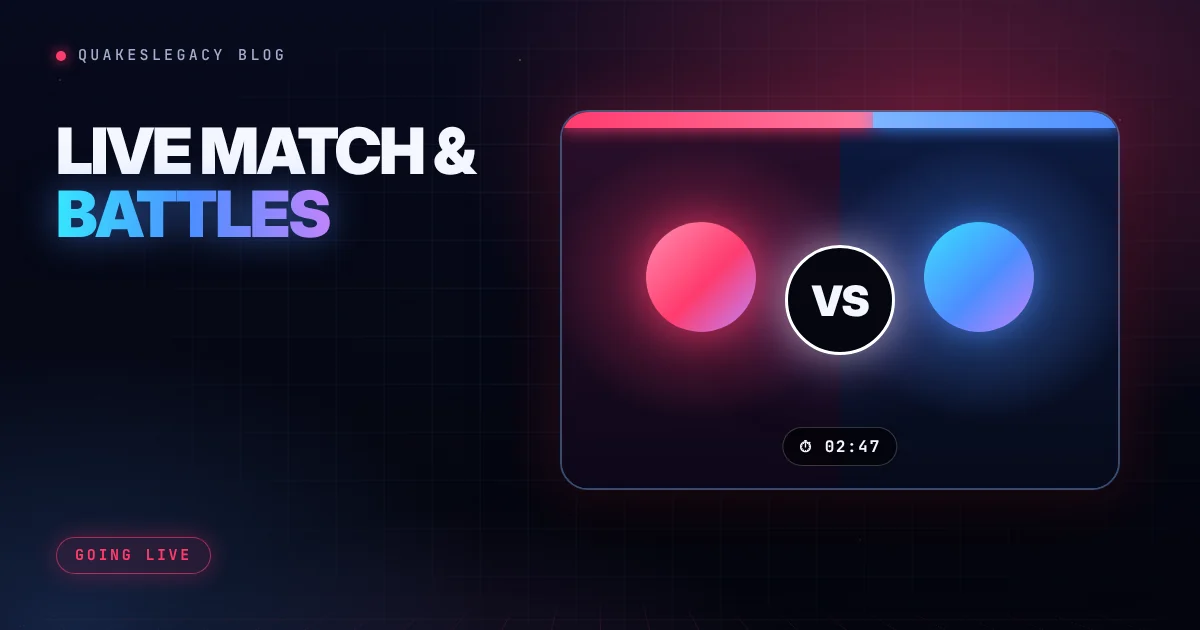
During a match, two or more creators connect their LIVE streams. Each side has a score bar. Gifts sent by viewers during the round add points to that creator's side, and the side with the most points at the end of the timer wins.
Some matches include extra features, such as boosts or special rounds, depending on the version of the app and your region. These change from time to time, so look at the match screen in the app for the current options.
How to start a LIVE battle
The video above, from QuakesLegacy UK, walks through it in about half a minute. Here are the same steps:
- Go LIVE. Open TikTok, tap the + button, swipe across to LIVE and start your stream.
- Invite a creator. Once you're LIVE, invite another creator to join you.
- Send a battle request. After they connect, look for the battle icon on your screen, tap it and send them a battle request.
- The battle begins. As soon as they accept, the round starts. Your viewers can now send gifts to score points for either side.
- Most points wins. Whoever has the most points when the timer ends wins the round.
That's it: you've started your first TikTok LIVE battle. The exact icons can vary slightly between app versions and regions.
Once you are comfortable with the basics, learn what the in-battle power-ups do in our guide to TikTok LIVE battle power-ups.
Picking who to match with
Random matches are quick, but invited matches are usually better for growth. Look for creators:
- with a similar audience size,
- in a similar niche or with a similar tone,
- and who you can have a genuinely fun conversation with.
The best matches feel like a collaboration where both audiences enjoy themselves, not just a contest.
Running a match your viewers enjoy
A few habits make a big difference:
- Explain what is happening. New viewers may not know how matches work. A quick explanation helps.
- Talk to the other creator. Banter and reactions are what make matches watchable.
- Thank supporters by name, on both sides if it fits the mood.
- Keep it light. Winning is nice, but how you act when you lose is what people remember.
Don't pressure your viewers
This is the part that goes wrong most often. Repeatedly begging viewers to gift, guilt-tripping them, or promising things you shouldn't in exchange for Gifts can push people away and can break TikTok's rules on LIVE monetization. Let your viewers support you because they want to.
Keep forfeits safe
Many creators agree on a forfeit for the losing side, such as a silly filter or a funny challenge. That is fine as long as the forfeit is safe and appropriate. Anything dangerous, sexual, humiliating or otherwise against the Community Guidelines can get the LIVE ended and the account restricted. Agree on forfeits before the match starts, not in the heat of the moment.
Read our guide to TikTok LIVE guidelines for more on what to avoid.
After the match
When the match ends, thank the other creator and their viewers. If it went well, follow each other and set up a rematch or a regular collab. Over time, a small group of creators who match each other regularly can help everyone grow. For more on building an audience, see how to grow on TikTok LIVE.
Learn more
This tutorial is part of the free QuakesLegacy LIVE Academy, made by QuakesLegacy UK; see the UK page for more. If you want coaching on battles and support with your LIVE, you can apply to join QuakesLegacy.
Frequently asked questions
How does a TikTok LIVE Match work?
Two or more creators connect their LIVEs and compete for a set time. Gifts sent by viewers during the round count as points, and the side with more points when time runs out wins the round.
Who can I battle on TikTok LIVE?
You can invite a creator you know to a match, or, where the feature is available, let TikTok pair you with another creator who is LIVE. Invited matches give you more control over who you appear with.
Are TikTok LIVE battles allowed to have punishments?
Light-hearted forfeits are common, but anything dangerous, degrading or against the Community Guidelines can get a LIVE ended or an account restricted. Keep forfeits safe and agree on them before the match.